Reproducing a Viral Video
Exploring process and tools to create content that drive social media.
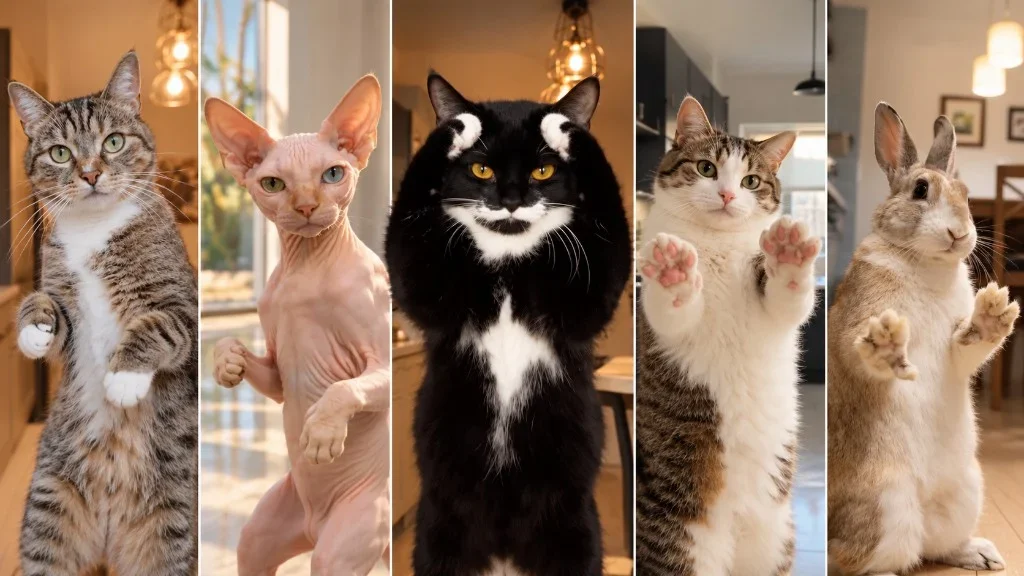
I recently came across a pretty cool and catchy viral video and noticed that others quickly started reproducing it, with their pets, using AI and the outcomes were surprisingly consistent across the board. I’m sure you’ve all seen it, the cat dancing to the Bad Times audio.
There are a million different variations out there and if you’ve ever liked one, you likely messed up your algorithm for the foreseeable future. I was curious how the users were so quickly recreating the video and what tools they were using so I set out on a quest of my own… to recreate with my cute furry friend, and then make it with my own character branding.
Finding and using the template
The origin video was created by content creator bouuhyachaka with a catchy tune and enticingly emotional choreography, it quickly became a popular AI template. Most users use the app CapCut to create their own version with their beloved pet. They offer hundreds of trendy templates, including this one. All you need is a picture of your pet and boom… in 2hrs you get this…
Not the best, not the worst. But, was it worth the 2hr processing time? A hard pill to swallow just to see my pet personified. They advertise that they use Seedance (default 2.0 but 2.5 is also available), and with its loose copyright boundaries it makes it a perfect model for viral video generations.
Using the CapCut app
The app seems rather low budget and is a bit hard at first to navigate. I initially found the template I used by searching “bad times cat dancing”. Scrolled a bit and that was the only one that immediately came up but, when I went back to find it again – no such luck – lost to the sea of social slop. I searched by hashtags, the username and template name, even in the creator’s profile and nothing showed. I eventually gave up (maybe you will have much better luck several weeks after this exploration).
I later found out from reading their FAQs that templates are disabled in some regions and can only be accessed through TikTok. There are 2 ways to access CapCut and create videos: through the TikTok Studio or download their app. A "Use template" button is on all their templates but depending on the type it will either direct to a pay-to-play screen (offering a free 7day trial) or give you the option to upload a photo to use the template. Not too surprising, the free versions often don't work that great.
Below are 2 videos, 1st is a quick screen capture tour of their UI and the 2nd is the output of the dancing man template video using a picture of my cat.
The agent was the useful part
Although my beginner experience was not smooth, I can understand the appeal. If viral slop is your goal, you can pretty easily join the current trends. It has an agent that is pretty useful and with just a short prompt and a reference image can quickly create decent quality content. It has a few tutorials available and for 23,99€ you can become an influencer and produce a much better video than myself.
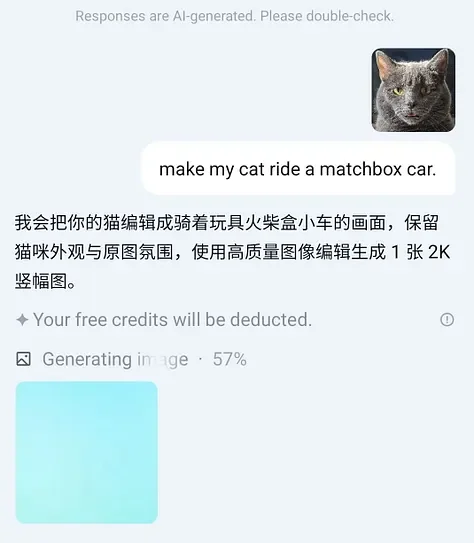
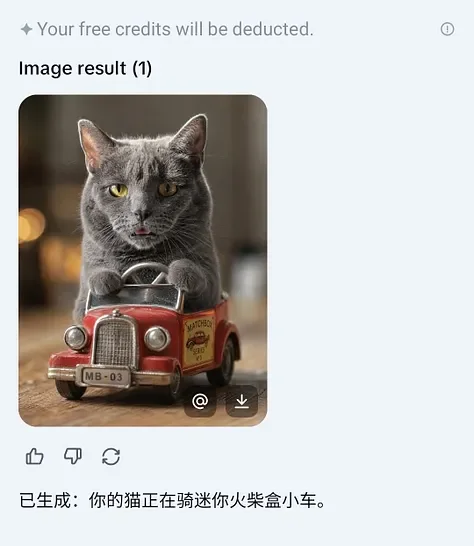
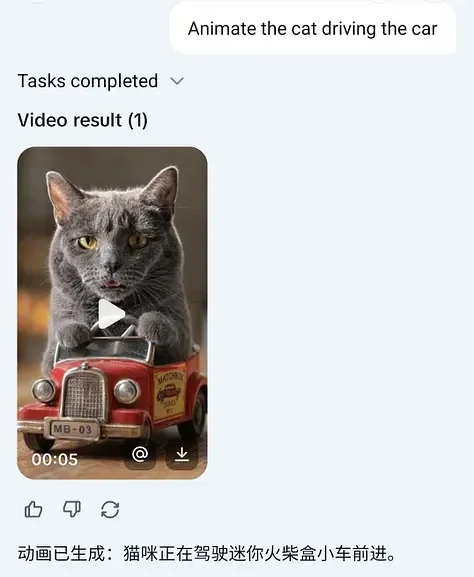
CapCut chadling convo.
Final CapCut video clip:
My own version
In the end, I opted for a different path and ended up creating my own version with a few of my established characters I’ve been working on for a while. Much more my style.
You can find this video on TikTok and explore more of our fun video creations.
Continue Exploring
View All